There are thousands of apps marketed to students. Most of them are either solving a problem you do not have or adding friction to a process that already works fine. The ones worth using are the ones that genuinely change how you engage with material, not just digitize what you were already doing on paper.
This guide focuses on tools that have proven track records, clear use cases, and a realistic learning curve. No app here requires a tutorial series to start using, and most have solid free tiers.

Anki: The Best Tool for Anything You Need to Memorize Long-Term
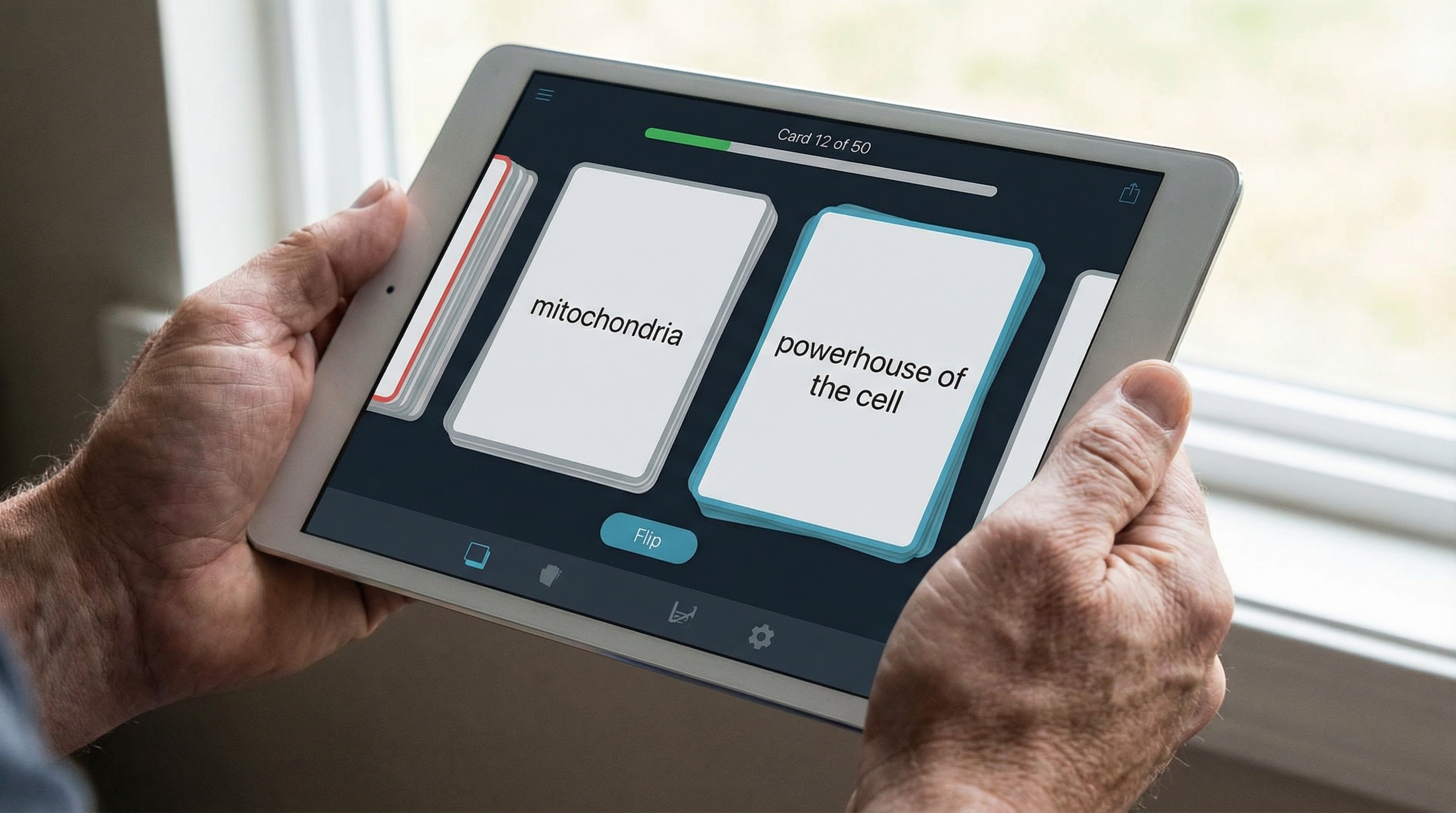
Anki is a flashcard app built around spaced repetition. After you answer a card, you rate how well you remembered it, and Anki uses that rating to schedule the next review. Cards you find easy come back in weeks. Cards you find hard come back the next day. The result is that you spend review time on material you actually need to work on, not on things you already know well.
It is especially popular among medical students, law students, and language learners because those fields require retaining huge volumes of information over months or years. But it works for any content that you need to recall accurately. Vocabulary, dates, formulas, drug interactions, anatomy, legal definitions. Anything.
The free desktop version is excellent. The iOS app costs a one-time fee, but the Android version is free. There is a massive community library of pre-made decks if you do not want to build from scratch.
Quizlet: Faster Setup, More Social Features
Quizlet is less algorithmically sophisticated than Anki but significantly easier to get started with. You can create a flashcard set in minutes, access millions of existing sets across subjects, and use multiple study modes including matching games, written practice, and multiple-choice quizzes.
A survey cited by Quizlet found that 90 percent of students who used the platform reported receiving higher grades after doing so. That is a self-reported figure from a company survey, so take it with appropriate skepticism. But the core mechanism, active self-testing through flashcards, is well-supported by memory research.
Quizlet's AI tutor feature, called Q-Chat, lets you ask questions about your flashcard content, which can be useful when you are stuck on a concept and want a quick explanation without switching apps. The free tier covers most students' needs. Quizlet Plus unlocks textbook explanations and more, at around $3 per month on an annual plan.
Notion: Your All-in-One Academic Workspace
Notion works as a flexible workspace where you can keep notes, track assignments, plan projects, build databases, and organize anything in whatever structure makes sense to you. It is not a specialized study tool. It is more like a blank canvas that you shape to fit your system.
Students use it in very different ways. Some set up a dashboard for each semester with linked databases for assignments, reading lists, and class notes. Others keep it simple with a weekly task tracker and basic subject notes. The flexibility is the point. You can build exactly what you need without being forced into someone else's template.
Notion is free for students and offers good cross-device sync. The learning curve in the first week is real. It can feel overwhelming when you open it for the first time because there are genuinely too many options. The advice most experienced users give: start with one simple use case, a weekly to-do list or a single subject's notes, and expand from there.
Forest: A Focus App That Actually Works
Forest uses a simple gamification mechanism. You set a timer, a virtual tree starts growing, and if you leave the app to check something else, the tree dies. Over time, your completed focus sessions build a growing forest, which is oddly satisfying and genuinely effective as a visual record of your productive time.
It is not a complicated tool. There is no AI, no scheduling algorithm, no dashboard. It is just a timer with a consequence for leaving, which is exactly enough to stop casual phone-checking during study sessions. The paid version lets you plant real trees through a charity partnership, which is a nice touch.
For students who know their biggest problem is the phone sitting next to them while they study, Forest removes most of that friction without requiring any willpower.
Google Calendar: Underused and Genuinely Powerful
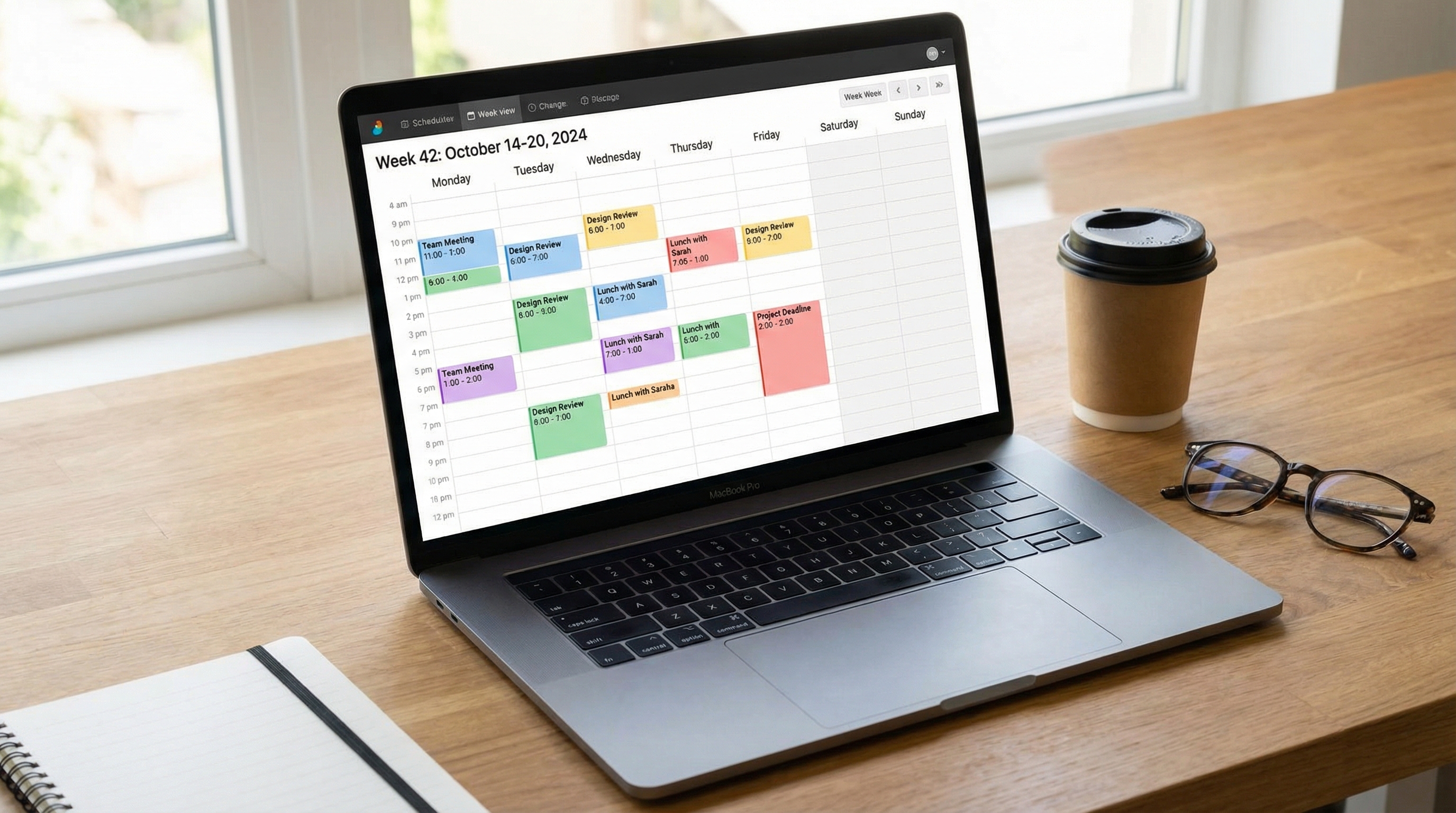
Most students use Google Calendar only for classes. It can do significantly more. Color-code by subject, block study sessions with specific topics attached in the description, set reminders for assignments, and use the weekly view to see at a glance whether your schedule is realistic or overloaded.
The integration with other Google tools is useful too. You can attach Google Docs to calendar events, link Meet for virtual study sessions, and share calendars with study group members. It is free, works on every device, and most students already have an account. The barrier to starting is essentially zero.
Todoist: When You Need a Clean Task List
Todoist is a task management app with a clean interface, natural language date input, and good prioritization features. You can type something like "submit chemistry lab report Friday at 5pm" and it will create the task with the right deadline automatically.
It integrates with Google Calendar, which means tasks appear on your calendar alongside time-blocked study sessions. The free tier covers up to five projects, which is enough for most students. It is available on all platforms and syncs reliably.
The main value of Todoist over a basic to-do list is the priority system and the today view, which shows you only what actually needs attention right now. Students with many overlapping deadlines find this particularly useful.
Notability and GoodNotes: For Tablet Users
If you have an iPad with an Apple Pencil, both Notability and GoodNotes are worth considering. Notability combines handwriting, typed notes, audio recording, and PDF annotation. GoodNotes is slightly more notebook-focused with cleaner organization by subject and a better search function for handwritten text.
Both let you annotate lecture slides, draw diagrams, and keep everything organized by course. The handwriting-to-text search feature means your handwritten notes are actually searchable, which solves the main problem with physical notebooks.
For students without a tablet, Microsoft OneNote is a free alternative available on all devices that handles typed notes and PDF annotation reasonably well, though without the handwriting feel.
Google's NotebookLM: AI-Assisted Study Tool
NotebookLM is Google's AI-powered study tool that lets you upload your own documents, notes, or lecture slides and then ask questions about them, generate summaries, or create practice quizzes from the material. The key difference from general AI chatbots is that it works strictly from what you upload, so it does not hallucinate information from outside your source material.
This makes it useful for generating practice questions from your own notes, summarizing dense readings, or getting explanations of specific passages you find confusing. It is free to use with a Google account and handles PDFs, Google Docs, and plain text.
How to Pick Without Getting Lost
The most common mistake students make with productivity apps is trying too many at once. You end up spending more time managing tools than actually studying. Pick one app from each category that applies to you. For flashcards, Anki or Quizlet. For notes, Notion or GoodNotes if you have a tablet. For focus, Forest. For tasks, Todoist or Google Calendar.
Commit to a specific set for four weeks before evaluating whether any of them need replacing. Tools need time to actually become habits. If you switch every two weeks you never get the benefit of the consistency.
Written by Aryx K. | Aryx Elevate